Are you no longer able to import?
Webull is changing accounts to an Omnibus clearing arrangement, and this may mean that you are no longer able to download a trade history CSV file from Apex. Please check our instructions here for Omnibus.
Webull uses APEX Clearing to download the Activity Report. The Orders Report will not work for importing. See the import instructions for APEX Clearing.

If you do not have an Apex Clearing account:
To obtain access to Apex Clearing site, we've been informed of the following steps. NOTE that it is very important to enter the same information that you use for your Webull account:
1) Go to apexclearing.com, and select the icon that looks like a person in the top right corner of the page.
2) First time sign in requires you click "Create User ID".
3) Select "Create User ID", then select "Client requesting to setup a User Id, please continue." and press Next.
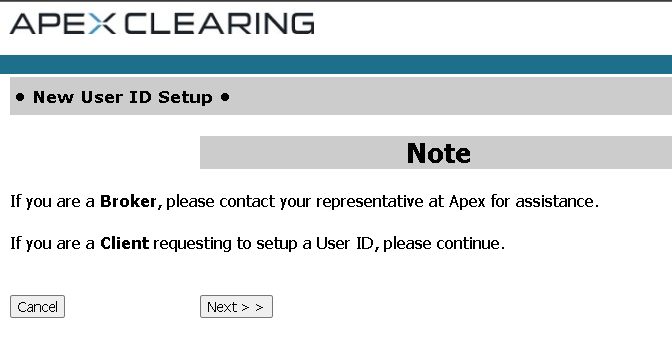
4) You must have your Webull account number to enter, as well as Social Security number. You will be asked for an email address and security question setup. Enter the same email address that you use for your Webull account.
Comments
0 comments
Please sign in to leave a comment.